
2026 Collection | Available Now
Stop scrolling through
500 pages.
One tap. There.
Hyperlinked digital planners for ADHD brains, iPad users, students, and professionals. Jump to any section instantly — no searching, no frustration, every device you own.
ADHD Friendly
Students
Professionals
Beginners Welcome
GoodNotes & Notability
No subscription ever · Works on every device
Complete 2026 Digital Planner
Daily
Weekly
Monthly
Goals
✓ 590+ pages
✓ Full hyperlinks
✓ Daily · Weekly · Monthly
✓ Budget & habits
✓ Sun & Mon start
✓ Instant download
Instant download
Full hyperlinks on download
Lifetime access
iPad, Android & desktop
Try free first
590+
Pages in the Complete Planner
6
ADHD Specialist Templates
6
Compatible Apps & Devices
1
Tap to any section, any time
Built for every kind of planner
Whatever your brain needs, there’s a planner for that.
Five different audiences. One consistent system. Hyperlinked navigation that works the same whether you’re managing ADHD, studying for exams, or running a freelance business.
ADHD & Executive Function
One tap to any section. No scrolling, no losing track — structure that works with your brain, not against it.
iPad & GoodNotes Users
Every hyperlink works on download. Apple Pencil or fingertip — import in minutes, plan the same day.
Students
Classes, deadlines, projects — all in one place. One tap between any of them, any time.
Professionals
Budget tracker, daily structure, and goal pages — review your whole month in one view.
Beginners
85 pages, full hyperlinks, zero commitment. Try it free — no separate app needed.
The full 2026 collection
Choose the system that fits your life.
View all planners →
Best Seller
Complete 2026 Digital Planner
What’s included:
✓ 590+ fully hyperlinked pages
✓ Daily, weekly & monthly layouts
✓ Budget tracker & habit log
✓ Meal planner & grocery lists
✓ Sunday & Monday start versions
✓ Works on all devices — instant download
$27
ADHD + Executive Function
2026 ADHD Planner Bundle
What’s included:
✓ 6 specialist ADHD templates
✓ 358 pages total
✓ Fully editable in Canva
✓ Undated — use any time
$37
Try Before You Buy
2026 Sample Planner
What’s included:
✓ 85 fully hyperlinked pages
✓ 6 planning categories
✓ All apps supported
✓ Free with coupon code (BLOGFREE2026)
Free
Simple from the start
From download to planning in 5 minutes.
STEP 1:
Download from Gumroad instantly
Purchase or apply your free code — the PDF lands in your inbox within seconds. No account needed beyond checkout.
STEP 2:
Open in GoodNotes, Notability or Xodo
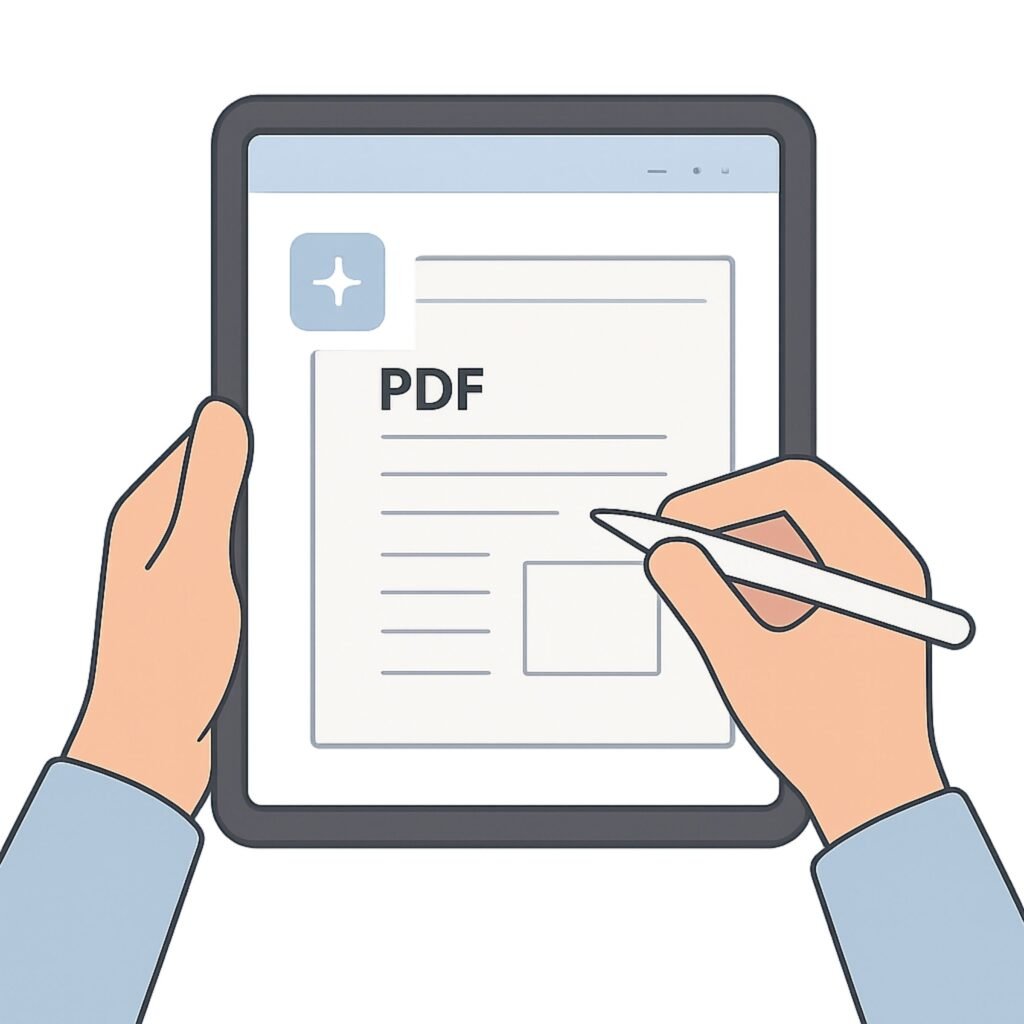
Import the PDF into any annotation app. All hyperlinks activate automatically — zero setup, no manual linking needed.
STEP 3:
Tap any link — arrive instantly
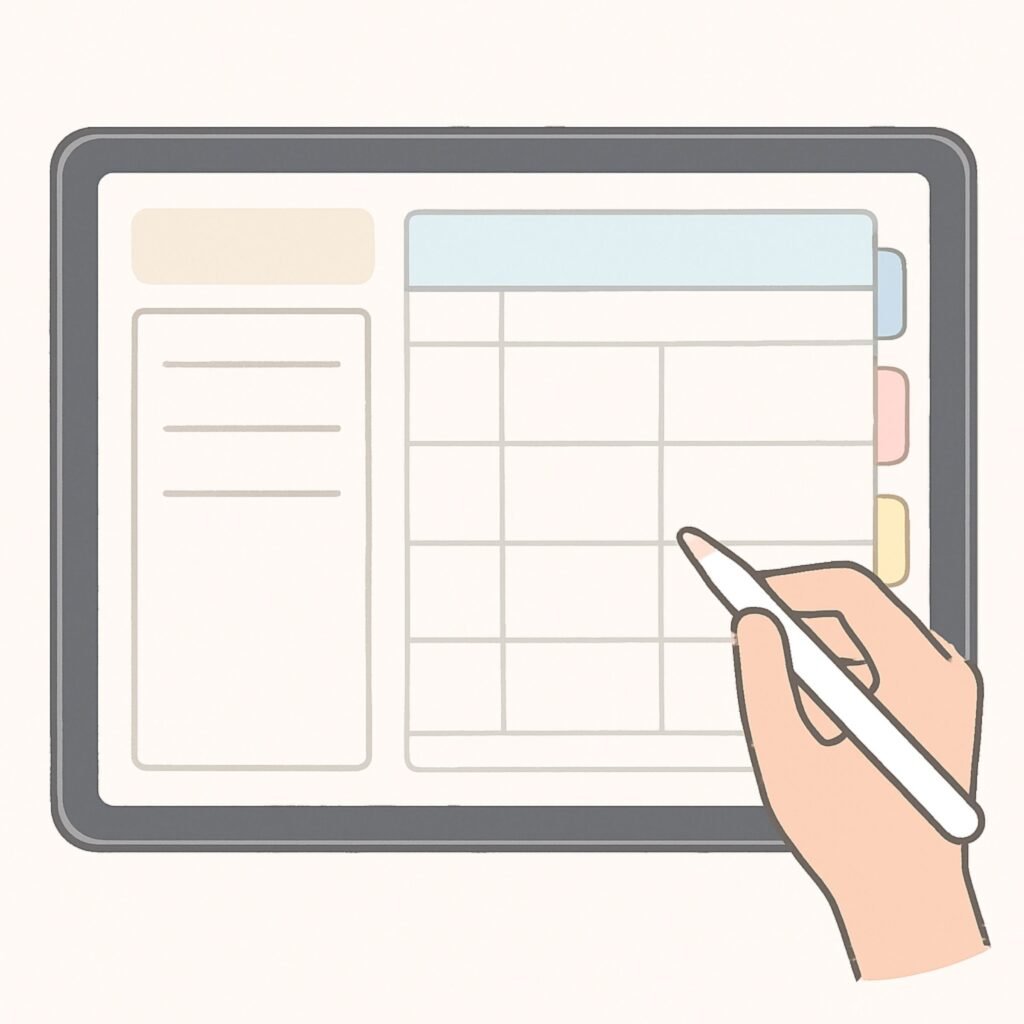
Monthly view → tap a date → land on that exact day. Every tab, every section, one tap away. Every single time.
STEP 4:
Plan every day without scrolling
Your whole year in one file. Update daily, review weekly, plan monthly — no endless searching, ever again.
Works on every device you already own
New to digital planning?
Step-by-step guide for every device — iPad, Android, and desktop.
Real users
What people say after switching.
I’ve tried dozens of planners. This is the first where hyperlinks actually eliminate the ‘out of sight, out of mind’ problem. I can find anything in under a second.
Carlos M.
Personal Trainer
Time blindness meant I was always late and overwhelmed. The visual structure finally made time feel real — I can actually see when I’m overcommitting before it happens.
Jennifer K.
ADHD Adult
Keeping track of classes, deadlines, and projects used to be overwhelming. The hyperlinked navigation saves me time every single day — I genuinely use this every morning.
Sophia M.
University Student
Learn more
Guides to help you plan better.
Your most organised year starts with one tap.
No more scrolling through 500 pages to find today. No more losing track of goals, budgets, and deadlines. Just one planner — every section one tap away, on every device you own.